
Operations guide
Users, roles, and property settings
Invite staff per property, assign roles, and configure hotel details from Settings—do not use platform-admin accounts for daily shifts.
Audience: Owners, property admins
StayLedger PMS
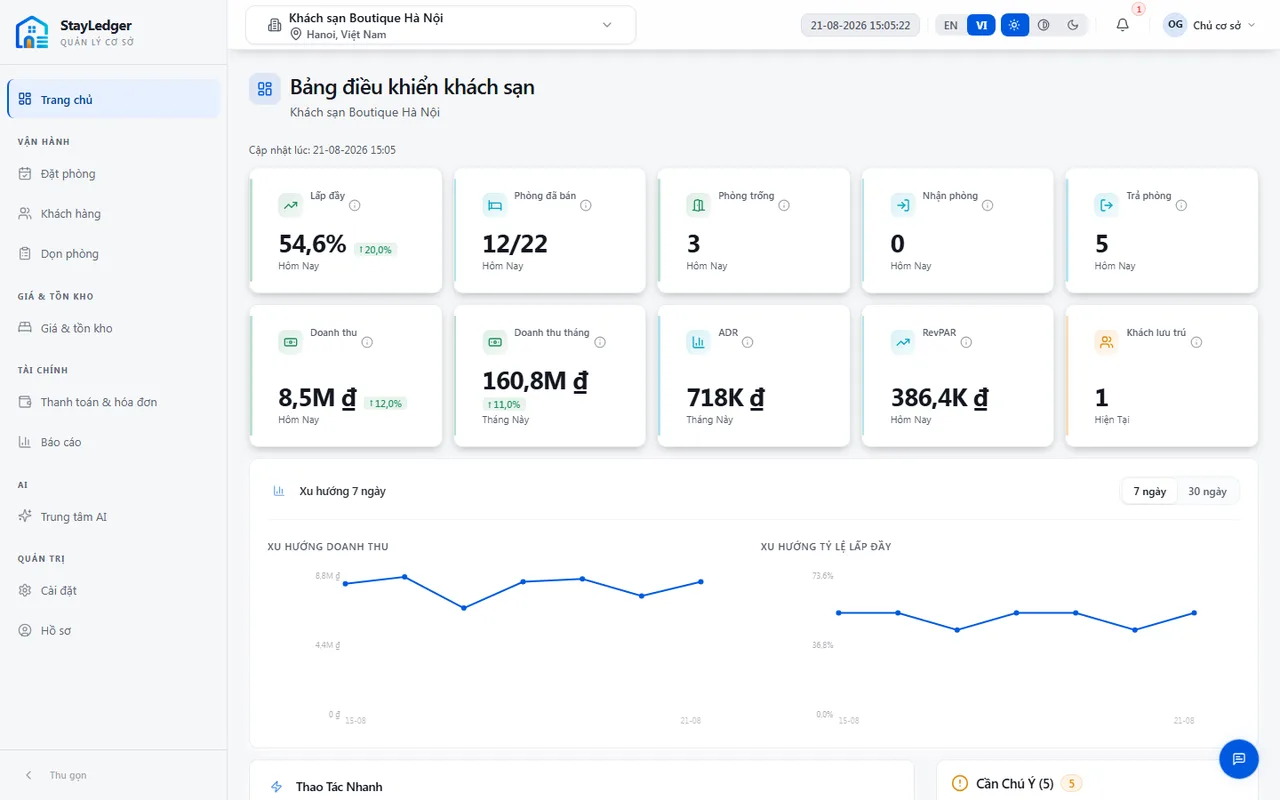
How to
- Open Settings → Users & roles to invite an email and assign a role on the current property.
- Common roles: Owner, Admin, Manager, Staff, Accountant. Permissions control which menus appear.
- Settings → Property info: name, contact, check-in/out times, VND currency, internal VAT.
- Plans and add-ons are under Settings → Plans & limits; upgrades go through StayLedger demo/support.
- Integrations: webhooks for PMS events. OTA channels are preview only—not live Booking.com/Agoda sync.
Notes
- Do not share passwords. Use forgot-password on the sign-in screen.
- API keys are not a front-desk task—contact StayLedger if a partner needs API access.
This is the public website summary. The full training manual (with shift screenshots) is shared during onboarding.